5 new ways to level up your learning with Search
Google introduces new tools to help students learn new concepts, tackle tricky subjects, and organize their study sessions with AI in Search.
Intelligence analysis by Llama
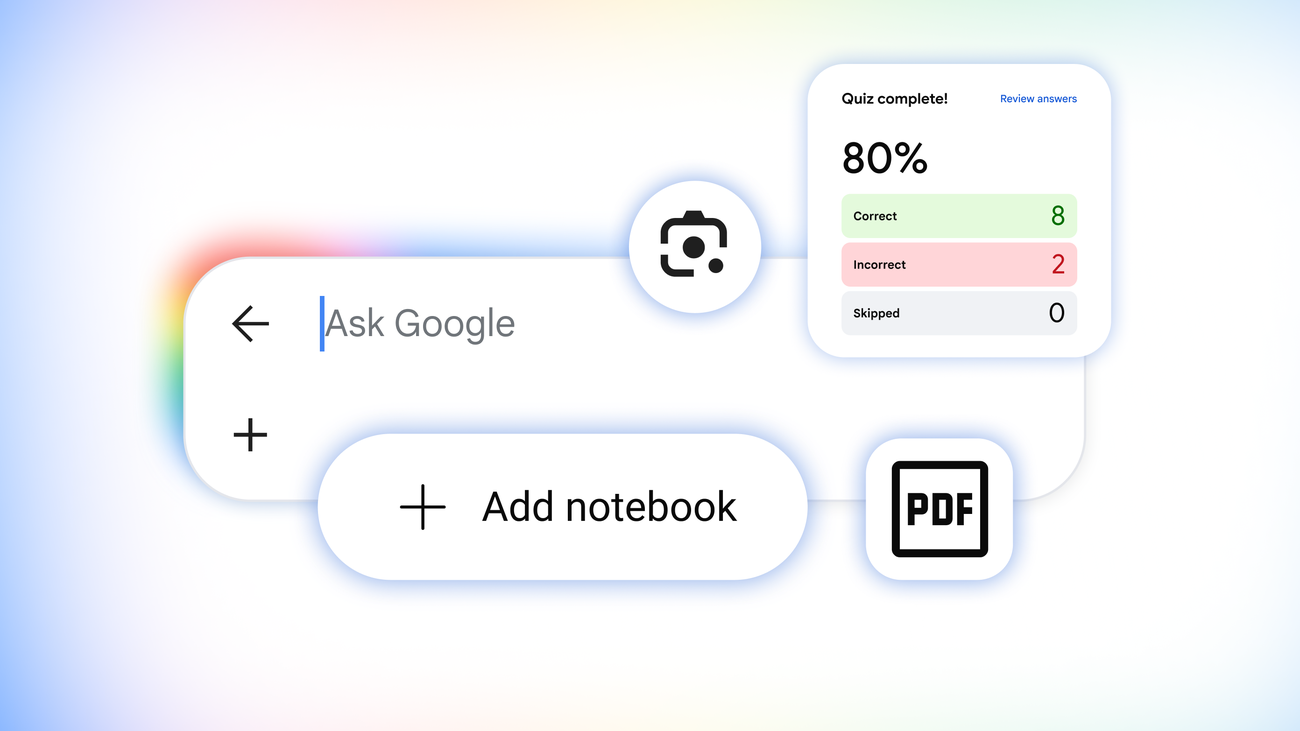
Google Search, Lens, and AI Mode are now offering interactive tools to help students learn and stay organized during the new school year.
Google Search is now helping students learn new things by making interactive tools that explain complex concepts in a fun way. Students can use these tools to practice what they've learned, get help when they're stuck, and stay organized with their studies.
Analysis
Interactive Visuals for Complex Concepts
Google Search can now generate custom tools and simulations to help students understand complex topics in action. For example, a student learning about pH levels can search for 'ph scale' and quickly get an interactive visual in an AI Overview to help them understand the basics. This interactive visual can be further customized to plot citrus fruits on the pH scale, providing a more specialized experience for the student's question. Additionally, students can head straight to AI Mode and describe the tool or visual they need, and AI Mode will create a customized experience just for their question. This feature has launched globally in English in AI Mode and has started rolling out in AI Overviews.
Practice Quizzes for Retention
Google Search now offers customized practice quizzes directly in Search for any subject, from science and math to humanities, foreign languages, and more. These quizzes tap into trusted, authoritative content from test-prep experts, so students know they're studying material that's relevant to the exam. For example, a student can search for 'create a quiz with the most commonly tested vocab words to help me prep for the SAT' and get an interactive quiz that includes explanations for each response and links to learn more. This feature is now globally available in English free of charge, in both AI Overviews and AI Mode.
Interactive Learning with Lens
In the coming weeks, Lens in Search will offer a new interactive learning experience that helps students break down tough concepts and confirm if they're on the right track. Students can tap the Lens camera icon in the Google app and snap a photo of what they're working on. They'll get an AI Overview that provides helpful explanations, pinpoints where they may have made mistakes, and coaches them when they're stumped on a problem. This new experience with Lens will roll out globally in English over the coming weeks.
Organizing Studies with Notebooks
Gemini Notebook, one of Google's most popular tools for learning, is now available in AI Mode, giving students an easy way to organize their studies and quickly find insights right in Search. Students can set up a dedicated notebook for each class or project and add a range of sources like class slides, syllabi, or relevant web articles. They can even add their previous AI Mode threads on related topics. This feature is rolling out over the coming days across more than 180 countries in English, with local language support to follow in the weeks ahead.
Custom Files for Streamlined Studies
Google Search can now create ready-to-use study documents based on students' uploaded files or AI Mode threads. For example, students can add a photo of their handwritten notes along with lecture slides and ask Search for a one-pager that outlines the key concepts. This feature has rolled out globally in English and will come soon to AI Overviews.
Key points
- Google Search can now generate custom tools and simulations to help students understand complex topics in action.
- Google Search now offers customized practice quizzes directly in Search for any subject.
- Lens in Search will offer a new interactive learning experience that helps students break down tough concepts and confirm if they're on the right track.
- Gemini Notebook is now available in AI Mode, giving students an easy way to organize their studies and quickly find insights right in Search.
- Google Search can now create ready-to-use study documents based on students' uploaded files or AI Mode threads.
These new tools can help students learn more effectively and efficiently, making them a valuable resource for students and educators alike. With these tools, students can stay organized, practice what they've learned, and get help when they're stuck, making them more confident and prepared for their studies.
However, some students may struggle to adapt to these new tools, or may not have access to the necessary technology or internet connection to use them effectively. Additionally, the quality of the interactive tools and quizzes may vary, and some students may find them too difficult or too easy.