Employees using personal ChatGPT at work? Here's what IT admins need to do
Employees using personal ChatGPT at work raises security concerns. IT admins need to confirm accounts, establish what reached ChatGPT, and respond to the outcome.
Intelligence analysis by Qwen 2.5 (3B)
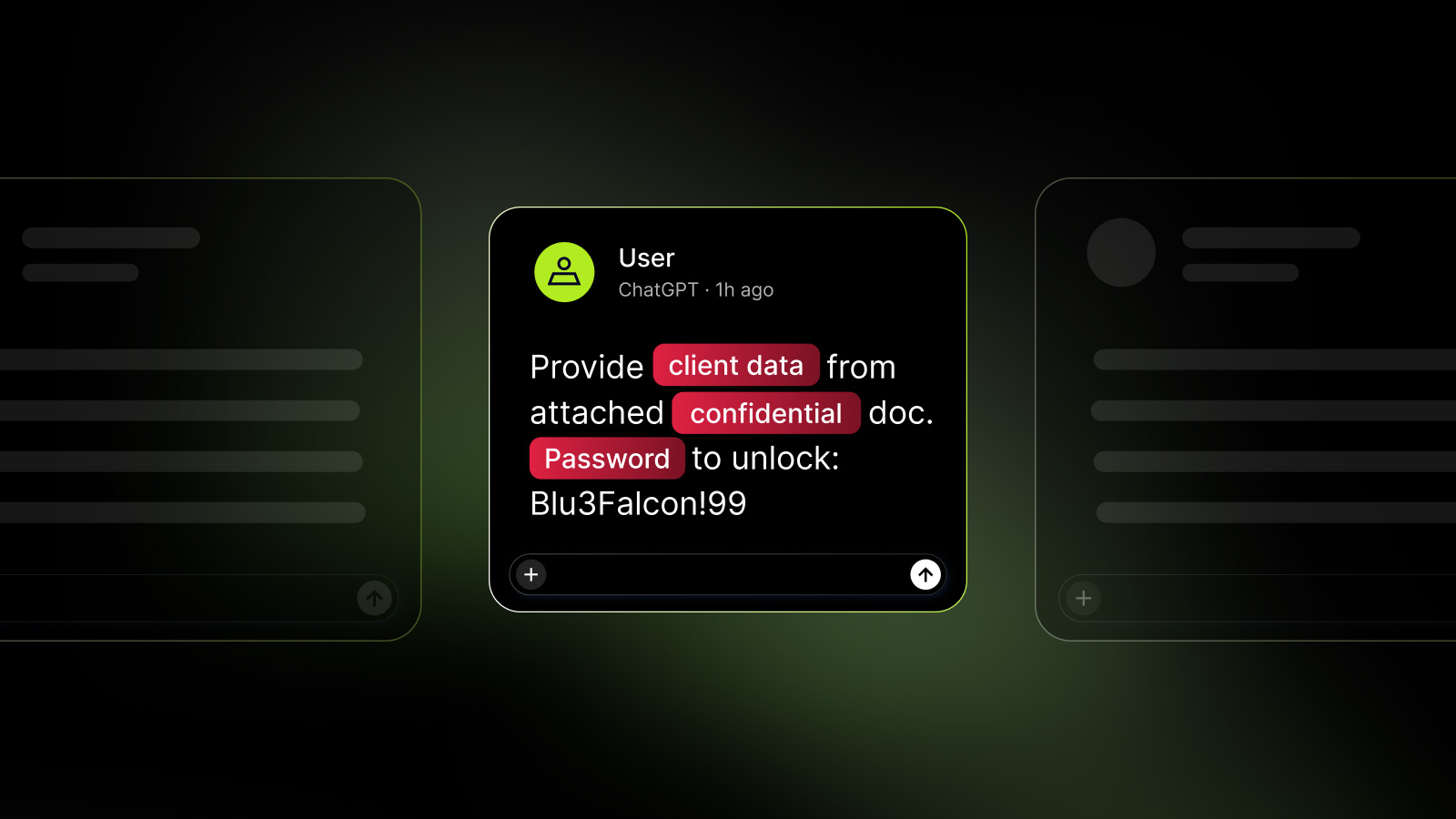
IT admins must address security issues when employees use personal ChatGPT at work, including confirming accounts, establishing what reached ChatGPT, and responding to the outcome.
When employees use their personal ChatGPT at work, IT admins need to check which account is being used and see what information reached ChatGPT. They should then decide how to handle the situation, like checking if credentials were exposed or if customer records were shared.
Analysis
Confirming Accounts and Identifying Personal Use
The first step is to confirm which account is being used. If the event flags a personal ChatGPT account, it is important to determine which identity belongs to which account. This can be done by checking the work email associated with the device and the personal email used for ChatGPT. The NordLayer AI Scout tool can help by classifying new ChatGPT conversations as Personal or Corporate based on the work email and department information.
Establishing What Reached ChatGPT
In the first scenario, the event does not provide a prompt text or sensitive data findings. In this case, the employee must be asked to show the conversation. The customer ticket is a good example of a prompt that reached ChatGPT. NordLayer AI Scout can be used to open the blocked finding and see the prompt text on the device before it left. The tool can also show the configured detector that matched the customer data and the “Block” action that stopped the submission.
Responding to the Outcome
If customer data reached ChatGPT, the IT admin should preserve the evidence and bring in the incident, privacy, or data owner. The severity of the incident will depend on what was shared. If credentials were exposed, they need revocation or rotation. If it’s customer records, a privacy assessment may be needed. If public text was pasted, there’s no data incident at all, but it makes sense to have a word with the employee about their more powerful Enterprise seat, which is paid for.
Fixing the Workflow
To prevent future incidents, IT admins should fix the workflow by verifying that the task and data are permitted in the Enterprise workspace. This includes reviewing restrictions on personal instances and ensuring that employees can only submit tasks and data that are permitted in the Enterprise workspace.
Key points
- Confirm accounts and identify personal use of ChatGPT
- Establish what reached ChatGPT and preserve evidence
- Respond to the outcome based on the severity of the incident
By implementing prompt-level controls and monitoring employee use of AI tools, IT admins can prevent future incidents and ensure that sensitive information does not reach unauthorized services.
If IT admins do not address the issue, employees may continue to use personal ChatGPT at work, leading to potential security breaches and data exposure.