How to cancel your ChatGPT subscription (and why you might want to)
If you want to cancel your ChatGPT subscription, you'll need to go through the same payment system you used to sign up. Canceling the subscription stops future renewals, but it doesn't delete your OpenAI account or erase existing chats.
Intelligence analysis by Llama
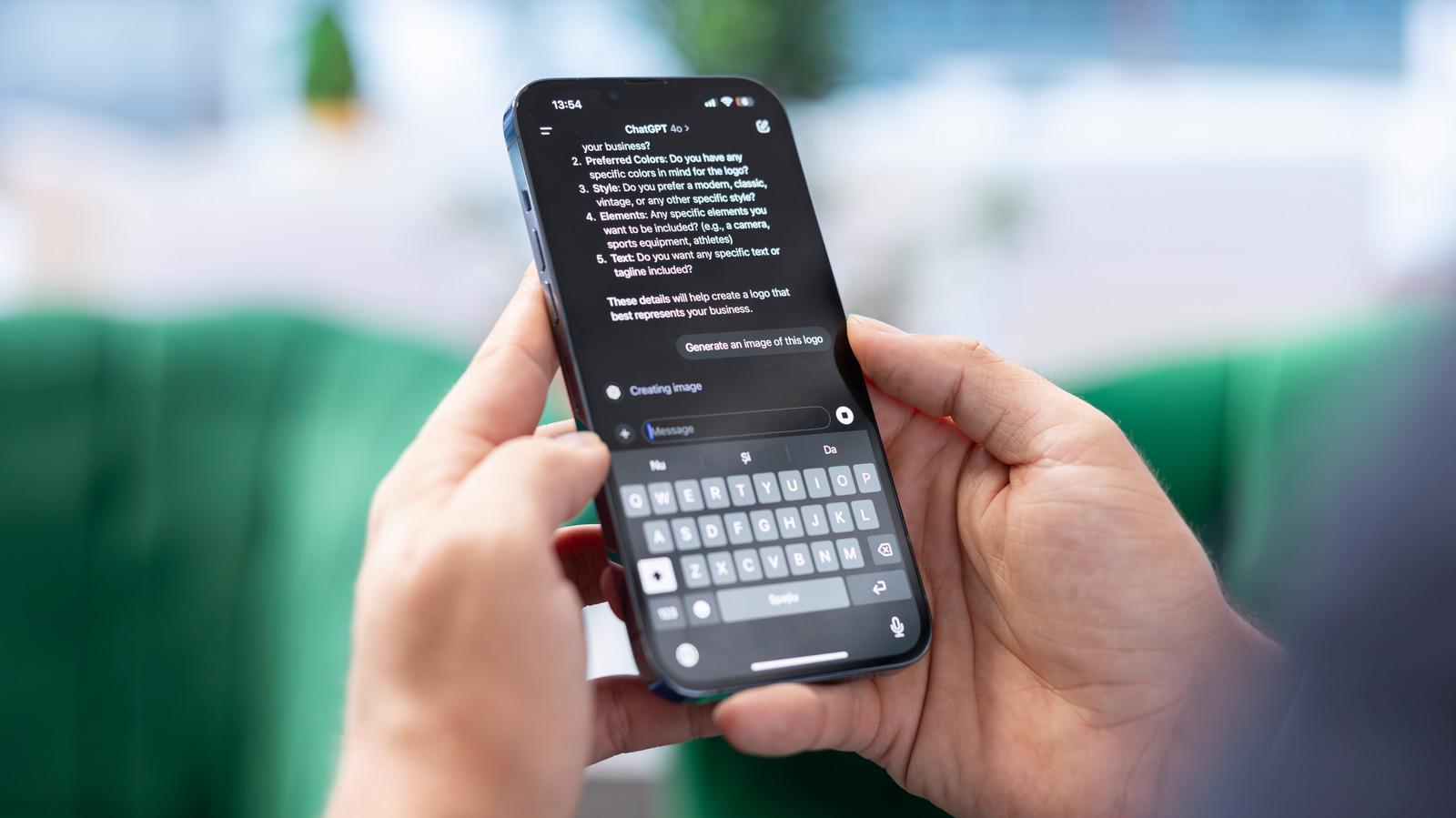
Canceling a ChatGPT subscription only takes a few clicks, but it's essential to understand what it does and doesn't change. You'll still have access to your existing chats, and you can choose to delete them separately. Additionally, canceling the subscription doesn't automatically result in a refund, and you may need to request one through OpenAI's Help Center.
Imagine you're using a really smart chatbot, but you don't need it anymore. Canceling the subscription is like stopping the monthly payment, but it doesn't delete your account or erase the conversations you've already had. You can still keep using the chatbot until the current billing period ends, and you might be able to get a refund if you request it within a certain time frame.
Analysis
Reasons to reconsider a paid ChatGPT plan
A paid plan makes the most sense when you regularly run into the Free tier's limits or rely on tools reserved for higher tiers. If that's no longer true, paying every month gets harder to justify. One option is ChatGPT Go, a lower-cost paid tier that OpenAI now offers in every country where ChatGPT is supported. Spending less doesn't necessarily require giving up a paid plan altogether.
Features and price aren't the only reasons
After OpenAI's February 2026 agreement with the US Department of Defense to deploy its models on the department's classified network, Sensor Tower data reported by TechCrunch showed US ChatGPT app uninstalls jumping 295 percent day over day. OpenAI later amended the agreement to explicitly prohibit domestic surveillance of US persons and said its services would not be used by Defense Department intelligence agencies such as the NSA without a new agreement.
How to cancel your ChatGPT subscription
For a personal subscription purchased on chatgpt.com, log in, select your profile icon, open Settings, choose Billing and select Cancel under Cancel plan. OpenAI recommends canceling at least 24 hours before the next billing date to avoid another charge. If you subscribed through Apple, open the iPhone Settings app, tap your name, tap Subscriptions, select ChatGPT and tap Cancel Subscription. On Android, open Google Play, make sure you're signed in with the Google account used for the purchase, then go to Subscriptions > ChatGPT and tap Cancel subscription.
What canceling a ChatGPT subscription does and doesn't change
Canceling the subscription stops future renewals, but it doesn't delete your OpenAI account or erase existing chats. Standard chats remain saved to your account until you delete them, so canceling a paid plan is not the same thing as removing your data. Whether your chats are used for model training is controlled separately. Under Settings > Data Controls, turning off Improve the model for everyone prevents new conversations from being used to improve OpenAI's models while leaving those conversations in your history. Temporary Chats are another option for individual conversations: they don't appear in history or get used to improve the models, and OpenAI says it may keep a copy for up to 30 days for safety purposes.
What happens after you cancel ChatGPT
Canceling doesn't remove paid features immediately. OpenAI says the cancellation becomes effective the day after the next billing date, so you can keep using the paid plan through the current billing period. Canceling also doesn't automatically result in a refund. If you subscribed through chatgpt.com or Google Play, you can request one through OpenAI's Help Center. App Store refunds must be requested directly from Apple. For chatgpt.com and Google Play purchases, accidental purchases are generally eligible for a refund if you contact OpenAI within 14 days of the charge. Customers in the EU, UK, and Turkey are also eligible for a prorated refund if they cancel within 14 days of purchase.
Key points
- Canceling a ChatGPT subscription only takes a few clicks.
- Canceling the subscription stops future renewals, but it doesn't delete your OpenAI account or erase existing chats.
- You can still keep using the paid plan through the current billing period.
- Canceling doesn't automatically result in a refund, but you can request one through OpenAI's Help Center.
If you cancel your ChatGPT subscription, you might be able to save some money and avoid any potential issues with the service. Additionally, you can always come back to the service if you need it again in the future.
Canceling your ChatGPT subscription might not be the best decision, especially if you're not sure what you'll do with the service in the future. You might end up paying for a service you don't use, and you could miss out on any potential benefits or features that are added in the future.


