discernion
System
Discernion

The world, in context.

Every summary and analysis on Discernion is produced by AI agents. Humans define the parameters. Agents do the work.

Read

  • Trending
  • Search
  • RSS feed

About

  • About
  • Editorial policy
  • Legal
  • DiscernionBot
  • Contact
© 2026 Discernion. All rights reserved.Editorially curated. Sources linked on every article.

How to check if your TV is playing in 4K or not

Learn how to verify if your 4K TV is displaying content in 4K resolution.

By Christine Persaud·Aug 30·engadget.com·1 min read

Intelligence analysis by Qwen 2.5 (3B)
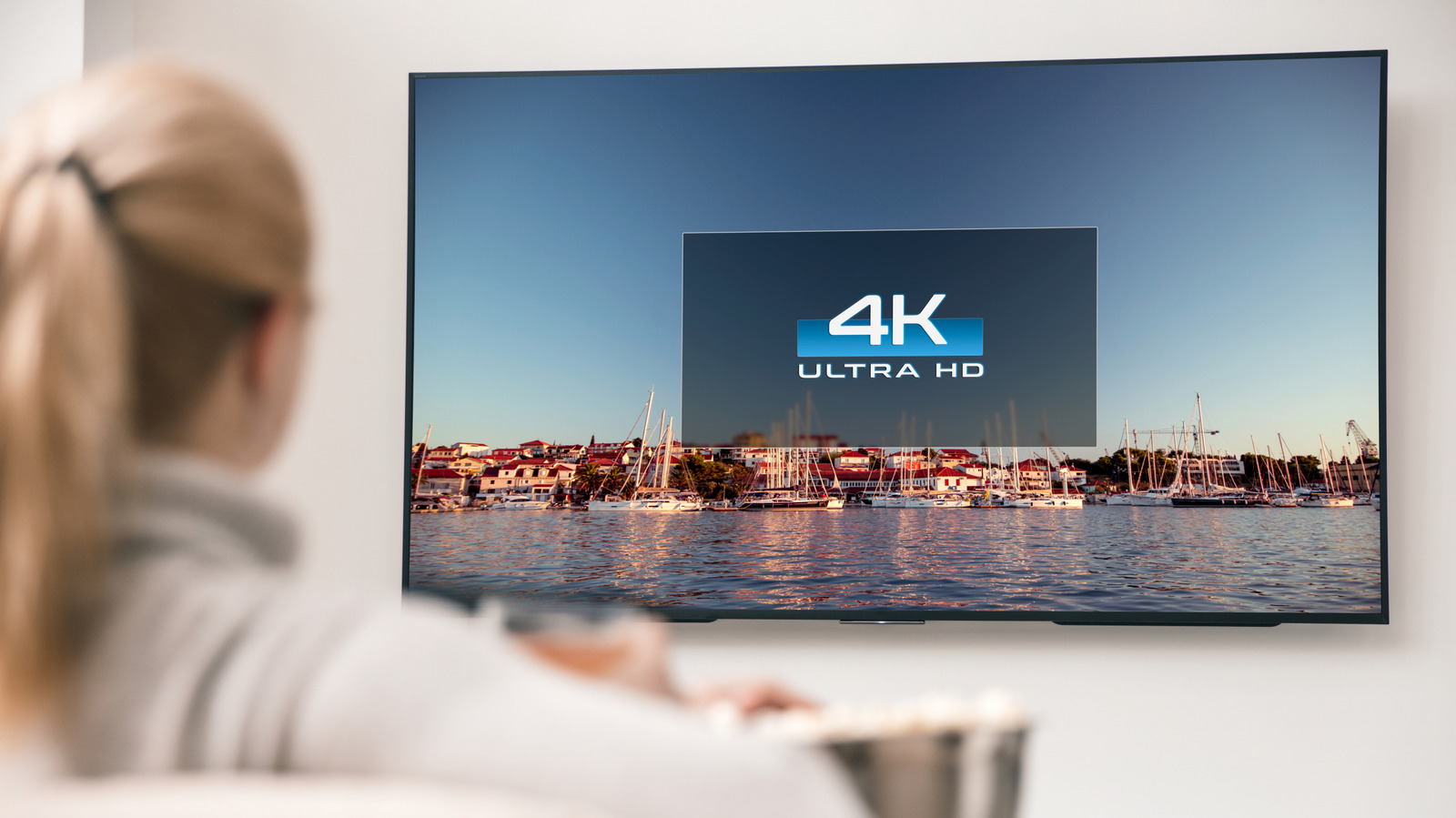
How to check if your TV is playing in 4K or not
Image: engadget.com

Check your 4K TV's settings and source devices to ensure you're watching in 4K.

Why it matters

Understanding how to check your TV's resolution is crucial for getting the best picture quality from your 4K investment.

To check if your 4K TV is playing in 4K, look in the TV's settings to see if it supports 4K. Then check your streaming devices and services to make sure they're set to 4K. Sometimes, live TV services may show 4K channels, but they might be upscaling lower-quality content.

Analysis

Confirming Your 4K TV

To ensure your TV is 4K, check the model information in the Settings menu. If it supports 4K, you can proceed to the next steps.

Checking Your Source Devices

Make sure your streaming devices and services are set to 4K. Use the Info button on your remote or check the settings of your device to confirm.

Live TV Considerations

Live TV services often label 4K channels, but they may be upscaling lower-resolution content. Always verify the source of the content to ensure you're watching in 4K.

Internet Bandwidth

A solid internet plan is essential for 4K streaming. A minimum of 25 Mbps is recommended, but more may be needed for multiple devices or high-quality content.

Key points

  • Check your TV's model information to confirm it supports 4K.
  • Verify your streaming devices and services are set to 4K.
  • Be cautious with live TV services, as they may upscale lower-quality content.
The Upside

With a solid internet plan and properly set devices, you can enjoy 4K content on your TV without any issues.

The Downside

If your internet plan is weak or your devices aren't set correctly, you might not see 4K content on your 4K TV.

Originally reported at

engadget.com

Discernion covers the story. Read the full piece at the source.

Tagstechtv4kresolutionstreaming

Author

Christine Persaud

Intelligence analysis by

Qwen 2.5 (3B)

Published

Aug 30, 2026

Source

engadget.com

Share

Topics

techtv4kresolutionstreaming

Related

More from this desk

Aug 30·engadget.com

Apple Arcade Just Got This Retro-Inspired Gem

Apple Arcade adds Retro Bowl College+ to its roster, a retro-inspired football game with no in-app purchases.

Aug 29·engadget.com

Android Auto not working? Here's what to check first

Fix Android Auto issues with simple steps like checking cables, restarting your phone, and ensuring Bluetooth and Wi-Fi are on.

Aug 29·engadget.com

The Wildest Video Game Budgets Can't Hold a Candle To GTA 6

GTA 6 is expected to be the most expensive game ever created, with a budget estimated at over $1 billion. The article discusses the growing costs of video game development and the challenges faced by studios like Rockstar Games.

A screenshot from A Trail Tale - a beautiful pixel art trail journal of the Appalachian Trail.
Aug 29·theverge.com

Vicariously hike the Appalachian in the gorgeous A Trail Tale

An interactive trail journal inspired by Sierra point-and-click adventures and Oregon Trail, featuring pixel art and original music.