How to connect your retro GameCube to a modern TV
Revisit Nintendo's sixth generation console by connecting it to a modern LCD or OLED TV. Learn how to use an adapter to output video over HDMI and get the best image quality from your GameCube.
Intelligence analysis by Llama
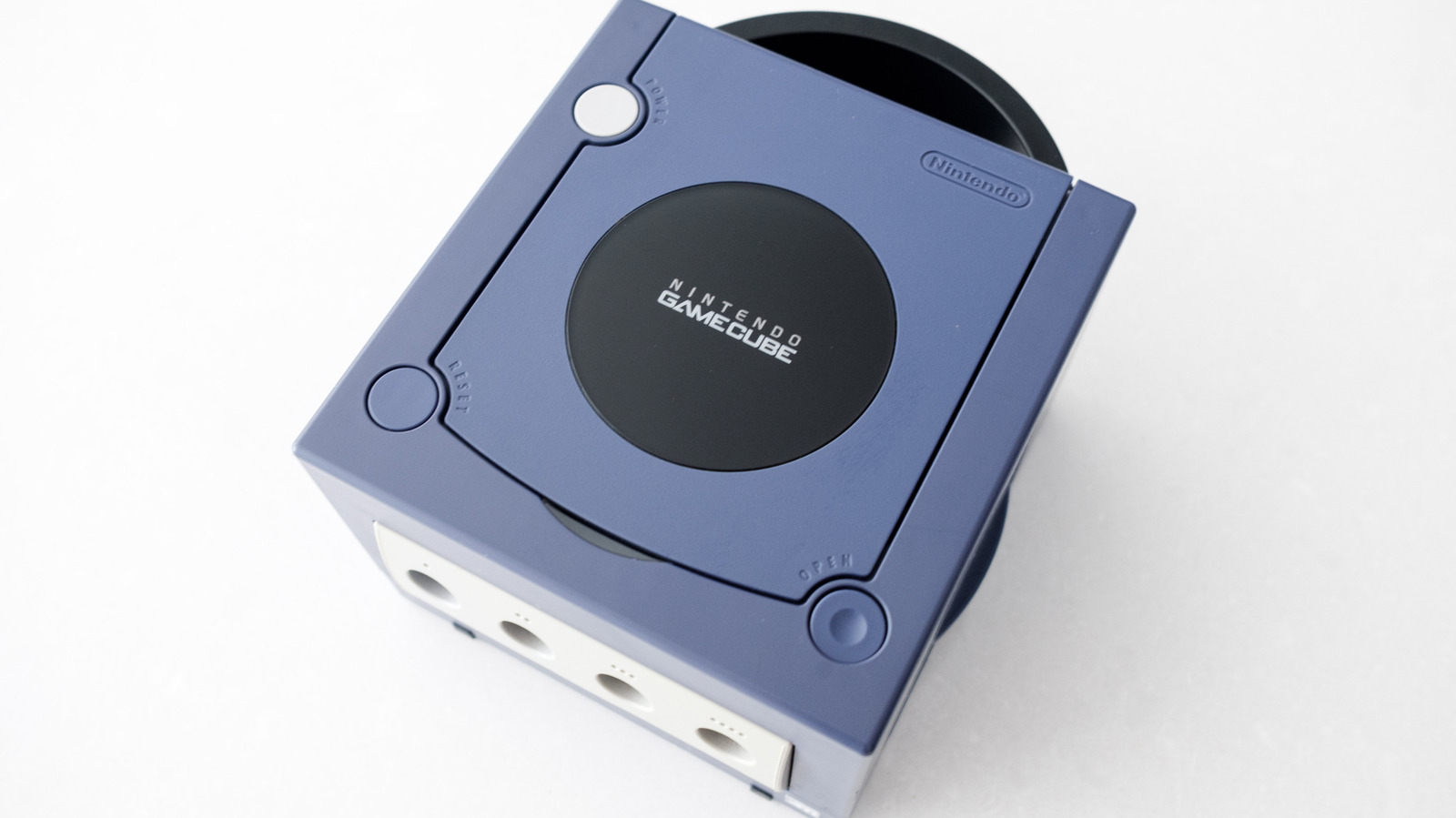
Connect your retro GameCube to a modern TV using an adapter and follow these steps to get the best image quality. Not all GameCubes are created equally, so check if you own a DOL-001 model for easier connectivity.
You can connect your old GameCube to a modern TV using a special adapter. This adapter helps the GameCube talk to the TV in a way that's easy to understand. It's like a translator that helps the old console and the new TV talk to each other.
Analysis
The Importance of Model Identification
Not all GameCubes were created equally. Between the time Nintendo first released the console in Japan on September 14, 2001 and eventually discontinued it in early 2007, the company made one major revision to the hardware to cut costs. Unfortunately, if you own that later model, it's harder to connect your GameCube to a modern TV.
The DOL-001 Model
Ideally, what you want is a DOL-001 model GameCube. If you own a DOL-101 variant, things are more complicated. This is because the latter is missing a Digital AV Out connection. In the US and other NTSC regions, this port was originally designed to allow the GameCube to output a 480p signal over a set of component video cables Nintendo sold separately.
The DOL-101 Model
If your GameCube doesn't have a Digital AV Out, your best bet is a device like RetroTINK-2X Mini that can convert the analog signal from your console to a digital one. You can take the composite cables that came with your GameCube and connect them to RetroTINK-2X Mini, and then connect an HDMI cable from that device to your TV.
Emulation as an Alternative
If all of the above sounds like a hassle, emulation can provide another path to play your favorite GameCube games on a modern TV. If you own a Switch 2, Nintendo offers a selection of emulated GameCube games through its Nintendo Switch Online service. You'll need to pay for the $50 per year Expansion Pack tier to access the Switch 2's GameCube library.
Key points
- Not all GameCubes are created equally, with the DOL-001 model being the easiest to connect to a modern TV.
- The DOL-101 model is missing a Digital AV Out connection, making it harder to connect to a modern TV.
- Emulation is an alternative way to play GameCube games on a modern TV, with Nintendo offering a selection of emulated games through its Switch Online service.
With the right adapter and a little bit of setup, you can enjoy your favorite GameCube games on a modern TV. This is a great way to experience some of the best games of the past on a modern screen.
If you own a DOL-101 model GameCube, you may need to use a more complicated setup to connect it to a modern TV. This can be a hassle, but it's still possible to enjoy your favorite games.


