What Is USB Tethering And How Do You Enable It For Mobile Hotspot?
USB tethering allows you to share your phone's cellular connection with a computer over a cable. It's more stable than a wireless hotspot and can be useful in crowded places or when you need a secure connection.
Intelligence analysis by Llama
USB tethering is a way to share your phone's cellular connection with a computer over a cable. It's more stable than a wireless hotspot and can be useful in certain situations.
Imagine you're at a crowded airport and you need to get your laptop online. You can use your phone's cellular connection to share its internet with your laptop using a special cable called USB tethering. It's like a super-long USB cable that lets you use your phone's internet on your laptop.
Analysis
What Is USB Tethering?
USB tethering is a way to share your phone's cellular connection with a computer over a cable. It's a more stable option than a wireless hotspot, which can be affected by the distance between the phone and the computer. A wired connection can also be more secure, as it's not broadcasting a visible network in public.
How to Set Up USB Tethering
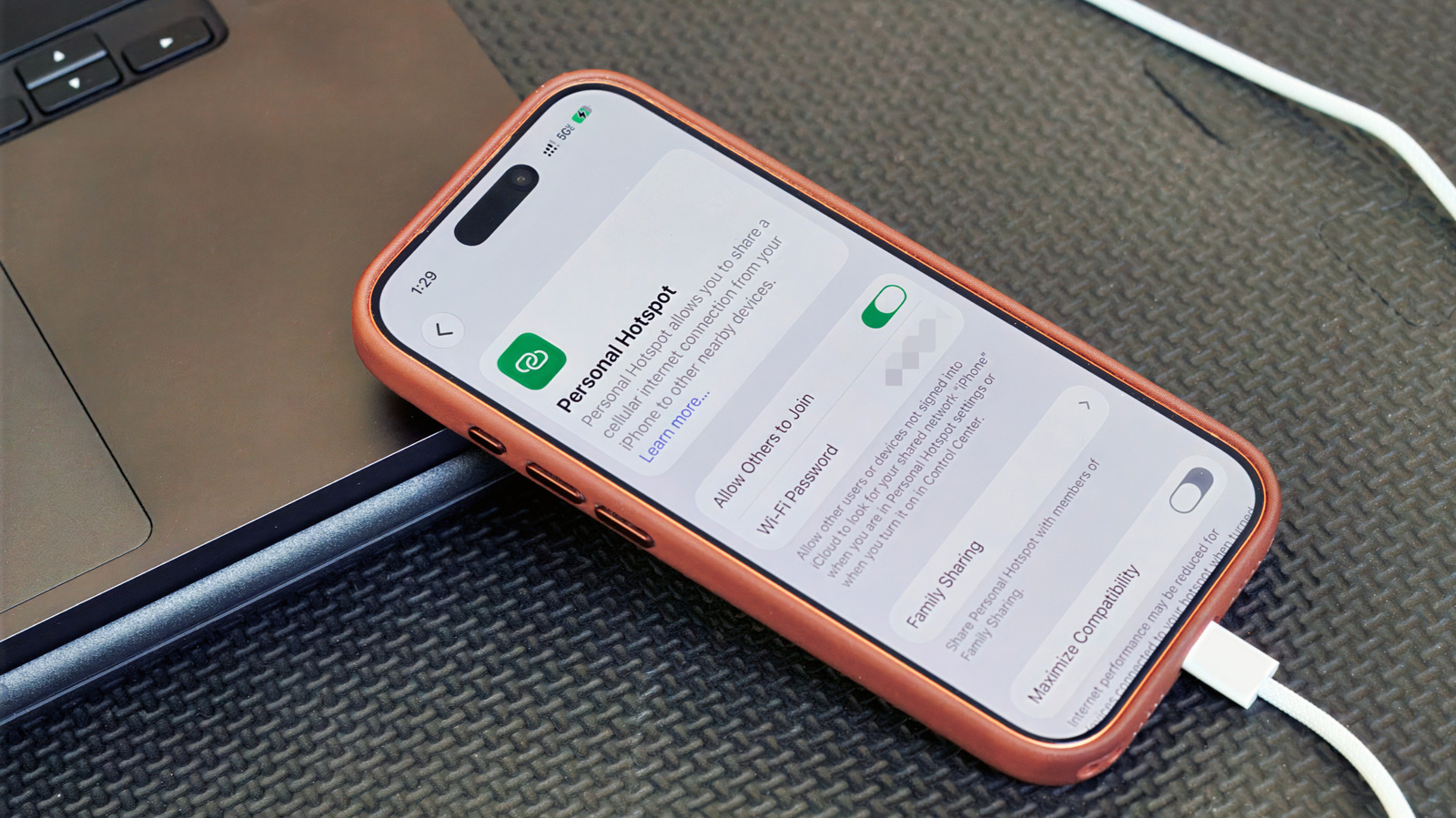
Setting up USB tethering is relatively straightforward. On Android, you can find the option in Settings > Network & internet > Hotspot & tethering. On iPhone, you can find it in Settings > Personal Hotspot. Make sure you're using a data-capable USB cable and not a charge-only one.
When to Use USB Tethering
USB tethering usually makes more sense for one device than as a full hotspot replacement. So, for example, if you're trying to get both your laptop and tablet online at the same time, a Wi-Fi hotspot is the solution. Keep in mind that laptops can burn through data with background tasks like updates and cloud syncing. Your carrier may also limit hotspot use, charge extra for it, count it against a separate data allowance or not support it at all. So it's worth checking your plan before tethering over USB or Wi-Fi.
Key points
- USB tethering is a way to share your phone's cellular connection with a computer over a cable.
- It's more stable than a wireless hotspot and can be useful in crowded places or when you need a secure connection.
- Setting up USB tethering is relatively straightforward on both Android and iPhone.
- USB tethering usually makes more sense for one device than as a full hotspot replacement.
If more people use USB tethering, it could lead to a decrease in the number of people using public Wi-Fi networks, which can be more vulnerable to hacking and other security risks.
If carriers start to limit or charge extra for hotspot use, it could make USB tethering less appealing to people who need a stable and secure internet connection.