Android Auto vs Apple CarPlay: What features set them apart
The differences between Android Auto and Apple CarPlay are highlighted, with Android Auto offering more customization and advanced features compared to Apple's CarPlay.
Intelligence analysis by Llama
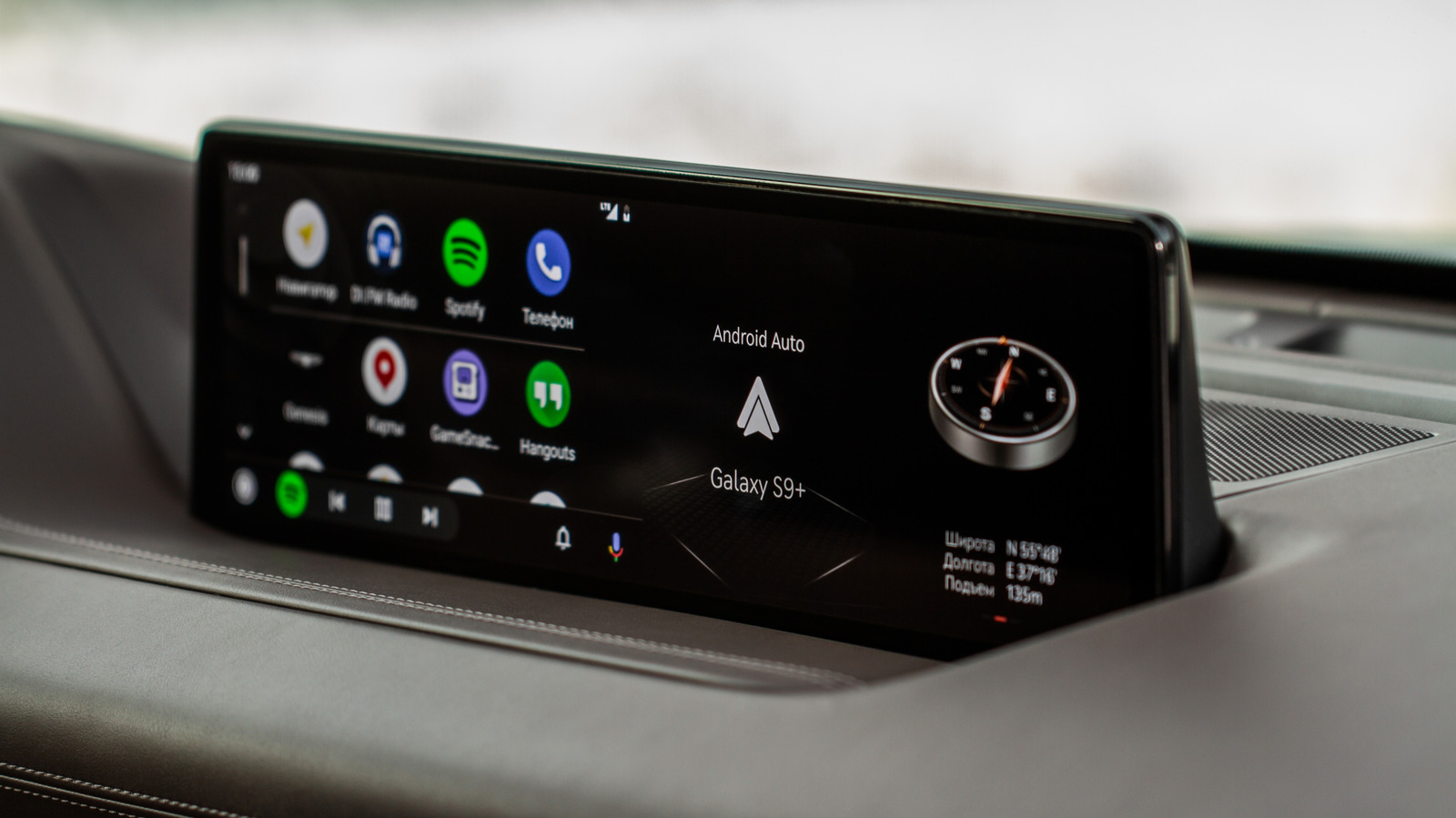
Android Auto's multi-window design and customization options set it apart from Apple CarPlay, which is more restrictive in its features and settings. Android Auto also has better AI integration and more apps available for use.
Imagine you're driving a car and you want to listen to music or get directions. Android Auto and Apple CarPlay are like two different ways to do that. Android Auto is like a super flexible tool that lets you customize how you use it, while Apple CarPlay is more like a simple tool that only does a few things. Android Auto also has a special helper called Gemini that can understand what you're saying and give you the information you need quickly and safely.
Analysis
Android Auto's Customization Options Set it Apart from Apple CarPlay
Android Auto's multi-window design and customization options are a major advantage over Apple CarPlay. With Android Auto, users can set up exactly where maps, media playback, and widgets appear on the screen, and how much space they take up. This level of customization is not available on Apple CarPlay, which is more restrictive in its features and settings.
Gemini's AI Integration is a Game Changer
Gemini's ability to understand complex commands and questions is a significant advantage over Apple's Siri AI. Gemini's natural language skills are more advanced, which makes it easier for drivers to get the information they need quickly and safely. Apple's Siri AI, on the other hand, is still in the testing phase and has been found to struggle with even basic instructions.
Android Auto's Developer Menu is a Power User's Dream
The developer menu in Android Auto is a secret menu that allows power users to manually change some of Auto's most powerful settings. This includes allowing apps from unknown sources, which is particularly useful for sideloading apps like CarStream. Apple CarPlay, on the other hand, does not have a comparable menu, and Apple really doesn't want users getting under the hood like this.
Conclusion
Android Auto continues to be a powerful rival to Apple CarPlay, with more apps available, better AI integration, and more customization options for power users. While Apple is catching up with CarPlay Ultra and the new Siri AI, Android Auto remains the better choice for drivers who want a more advanced and customizable experience.
Key points
- Android Auto offers more customization options and advanced features compared to Apple CarPlay.
- Android Auto has better AI integration with Gemini, which can understand complex commands and questions.
- Android Auto's developer menu is a secret menu that allows power users to manually change some of Auto's most powerful settings.
- Apple CarPlay is catching up with CarPlay Ultra and the new Siri AI, but still lags behind Android Auto in terms of features and settings.
If Android Auto continues to innovate and improve its features and settings, it could become the go-to choice for drivers who want a more advanced and customizable experience. Additionally, the development of Gemini's AI integration could lead to even more advanced and user-friendly features in the future.
If Apple CarPlay continues to improve and catch up with Android Auto, it could potentially become a more competitive option for drivers. Additionally, the development of Siri AI could lead to more advanced and user-friendly features in the future, potentially closing the gap with Android Auto.