What is a VESA mount and how to know what type your TV has
A VESA mount supports standardized TV mounting patterns, but you need to check the mount's weight limit and hardware compatibility with your TV.
Intelligence analysis by Llama
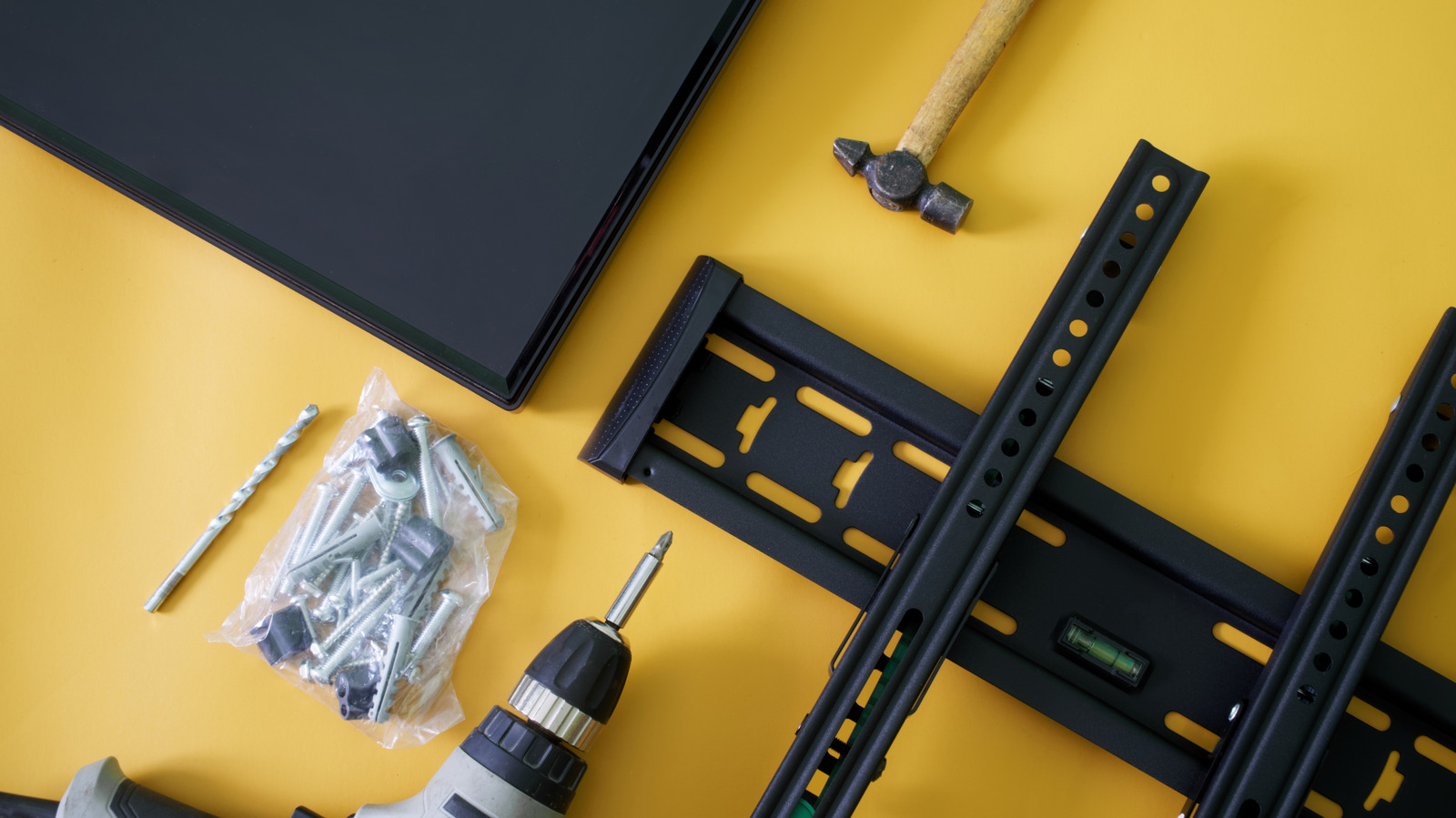
To find the VESA pattern of your TV, look up its manual or manufacturer's support page, or measure the mounting holes yourself. A matching pattern is not enough, as you also need to check the weight limit and required hardware.
Imagine you have a big puzzle with many holes. A VESA mount is a special kind of puzzle piece that fits into those holes. But before you can put the puzzle together, you need to make sure the piece fits and can hold the weight of the puzzle. You also need to check if the piece has the right kind of screws to attach it to the wall.
Analysis
VESA Patterns: A Guide to TV Mounting Compatibility
A VESA mount is not a specific type of bracket, but rather a standardized pattern of mounting holes on the back of a TV or display. The VESA dimensions tell you where the mounting holes line up, but you still need to check the mount's weight limit and hardware compatibility with your TV.
The VESA numbers describe the distance between the mounting holes, measured in millimeters. The first number is the horizontal distance and the second is the vertical distance. For example, a TV with a 400 × 200 pattern has mounting holes spaced 400mm apart from left to right and 200mm apart from top to bottom.
Larger TVs often use larger mounting patterns, but screen size alone doesn't tell you which pattern a particular model uses. Checking your exact TV model is more reliable than guessing from its screen size. You also don't need a mount limited to that exact VESA size. Many mounts support multiple VESA patterns, so you don't need a bracket labeled only for your exact size.
Measuring Your TV's VESA Pattern
The easiest method to find your TV's VESA pattern doesn't require a ruler at all. Look up the exact TV model in its manual or on the manufacturer's support page and find the wall-mount or VESA specifications. Manufacturers commonly list the mounting-hole pattern in millimeters. If you can't find the specification, you can measure the mounting holes yourself. Measure from the center of one mounting hole to the center of the corresponding hole horizontally, then do the same vertically. Write the result as horizontal × vertical, in millimeters. For example, if the mounting holes are 400mm apart horizontally and 200mm apart vertically, the TV has a 400 × 200 VESA pattern.
Checking the Mount's Weight Limit and Hardware
A matching VESA pattern tells you the bracket can line up with the TV's mounting holes. It doesn't tell you whether the mount can safely hold the TV, so the next specification to check is its weight limit. Compare the mount's maximum load with the weight of your TV. A bracket can support the correct VESA pattern and still be unsuitable for a TV that's too heavy. You should also check the hardware required by your TV. VESA compatibility also says nothing about how the bracket should attach to the wall. Once you've confirmed the pattern and weight rating, use the TV manufacturer's instructions to check the required mounting screws and follow the mount manufacturer's instructions for attaching the bracket to the wall.
Key points
- A VESA mount supports standardized TV mounting patterns.
- You need to check the mount's weight limit and hardware compatibility with your TV.
- Measuring the mounting holes yourself is a reliable method to find the VESA pattern.
- A matching VESA pattern is not enough; you also need to check the weight limit and required hardware.
With the right VESA mount, you can enjoy a safe and secure TV installation that provides a great viewing experience. You can also explore different mounting options and styles to find the one that suits your needs and decor.
If you choose the wrong VESA mount, it can lead to a unstable and potentially hazardous installation. You may also need to spend more time and money to find a suitable replacement or repair the damage.