Why It's Important to Monitor Your PC's Background Processes
Knowing what normally runs on your PC helps spot unusual activity. Monitor background processes to spot issues and free up resources.
Intelligence analysis by Qwen 2.5 (3B)
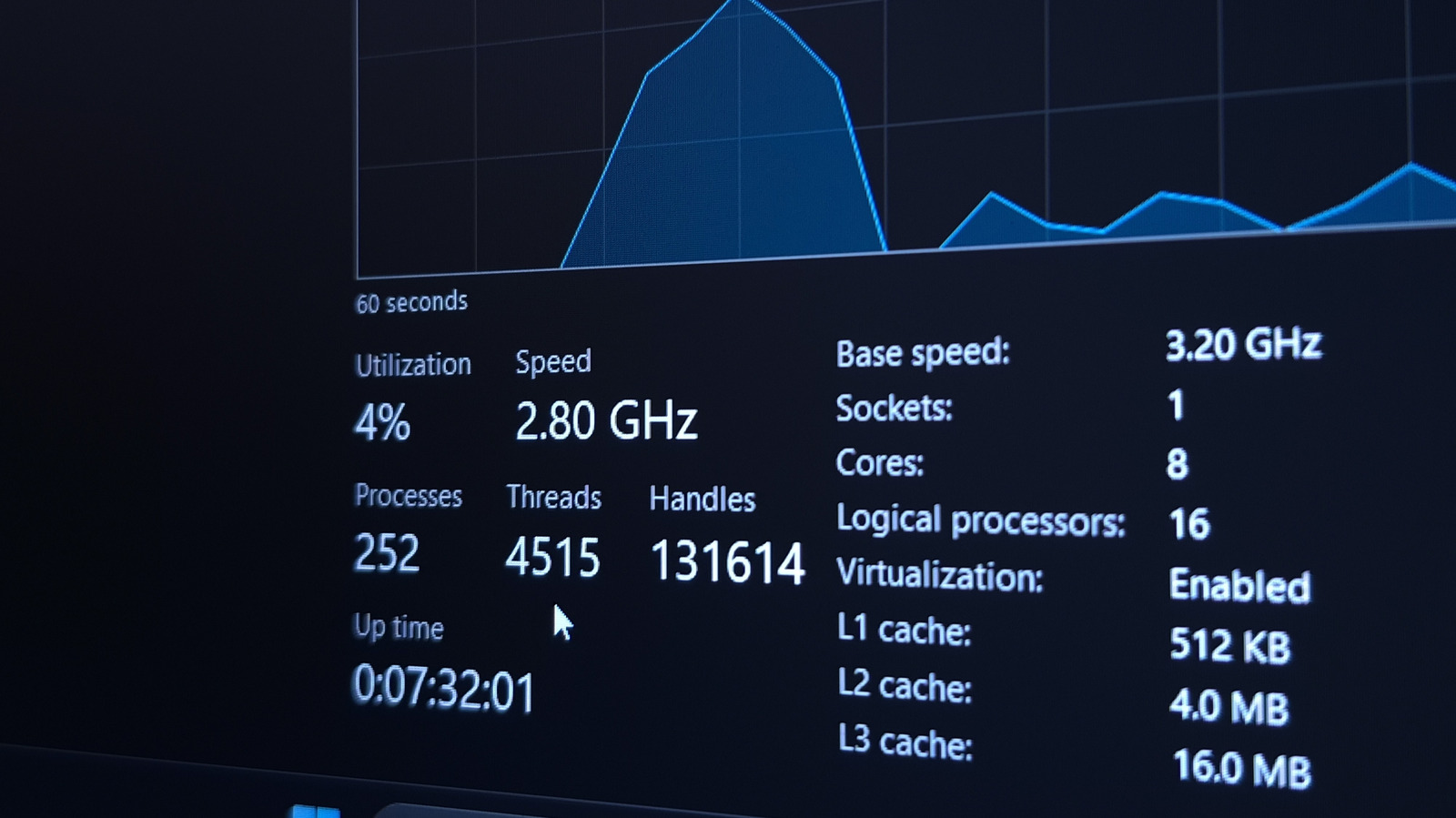
Monitor your PC's background processes to spot unusual activity and free up resources.
Think of your PC like a busy office. Background processes are like the secretarial work that keeps everything running smoothly. You can check who's doing what work by looking at the Task Manager. If you see someone doing extra work or using too much paper, you can ask them to stop or ask someone else to help.
Analysis
Understanding Background Processes
Background processes are essential for a PC's operation, handling tasks like updates and hardware acceleration. They can be monitored using Task Manager, which shows CPU and memory usage for each process.
Identifying Unusual Activity
Identifying unusual activity is key to spotting issues. For example, a game launcher might leave an updater running after closing its main window. Recognizing these processes helps in deciding what to leave alone and what to close.
Freeing Up Resources
If a process is using too many resources, consider closing unnecessary apps. Use Task Manager to end tasks forcibly if needed. Always exit apps cleanly to avoid data loss.
Security Check
Regularly check for viruses or malware by using Windows Defender. An offline scan is recommended for thorough protection.
Key points
- Monitor background processes using Task Manager
- Identify unusual activity and close unnecessary apps
- Use Windows Defender for security checks
By monitoring background processes, you can identify and address issues before they cause problems, ensuring your PC runs smoothly.
If you don't monitor background processes, you might miss issues that could slow down your PC or even cause it to crash.