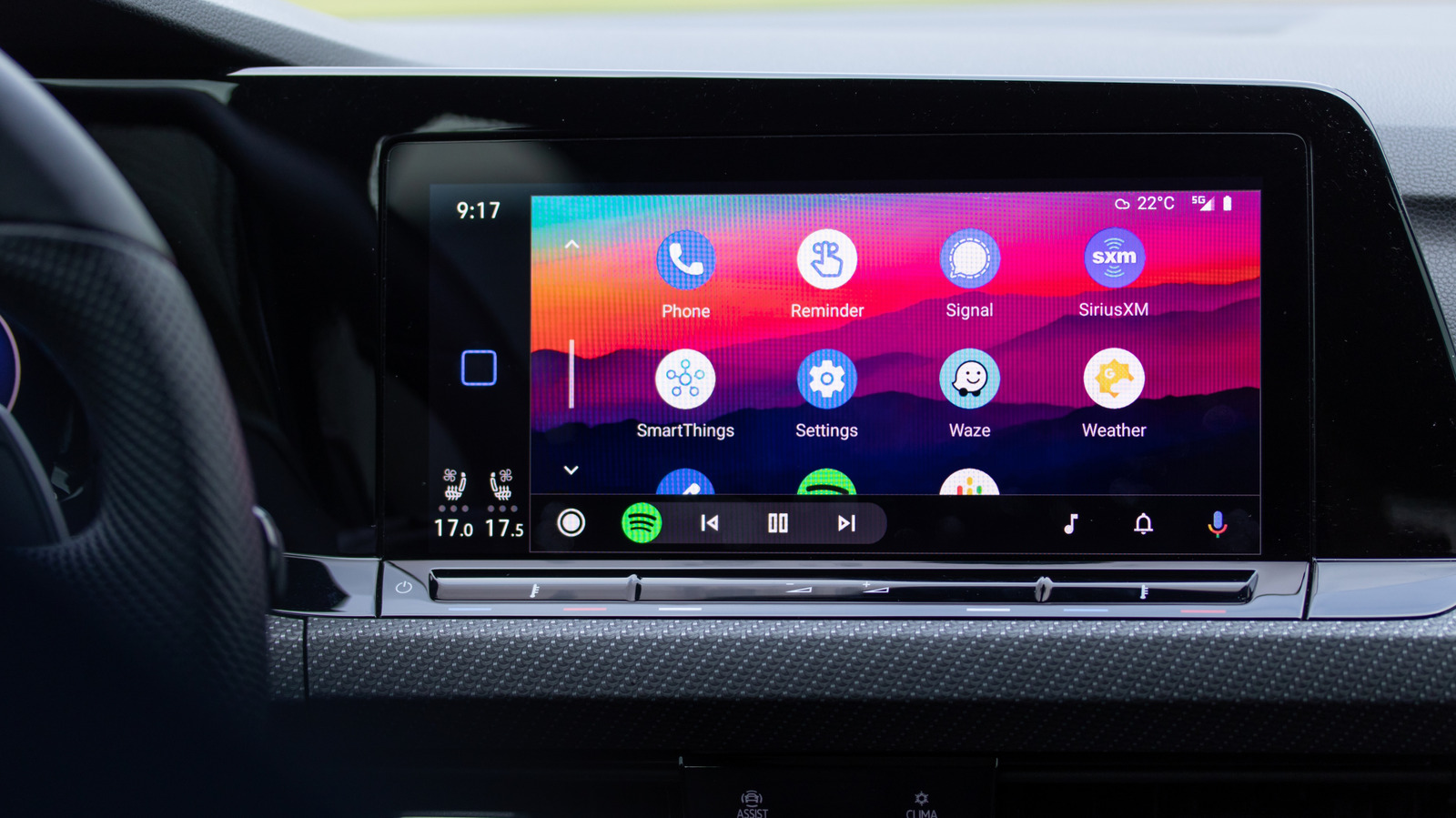
How to stop Siri from interrupting while you're using CarPlay
To stop Siri from interrupting while using CarPlay, enable the Driving Focus mode, turn off Announce Notifications, and adjust Siri's pause time. These settings can help reduce distractions and make driving safer.
Intelligence analysis by Llama
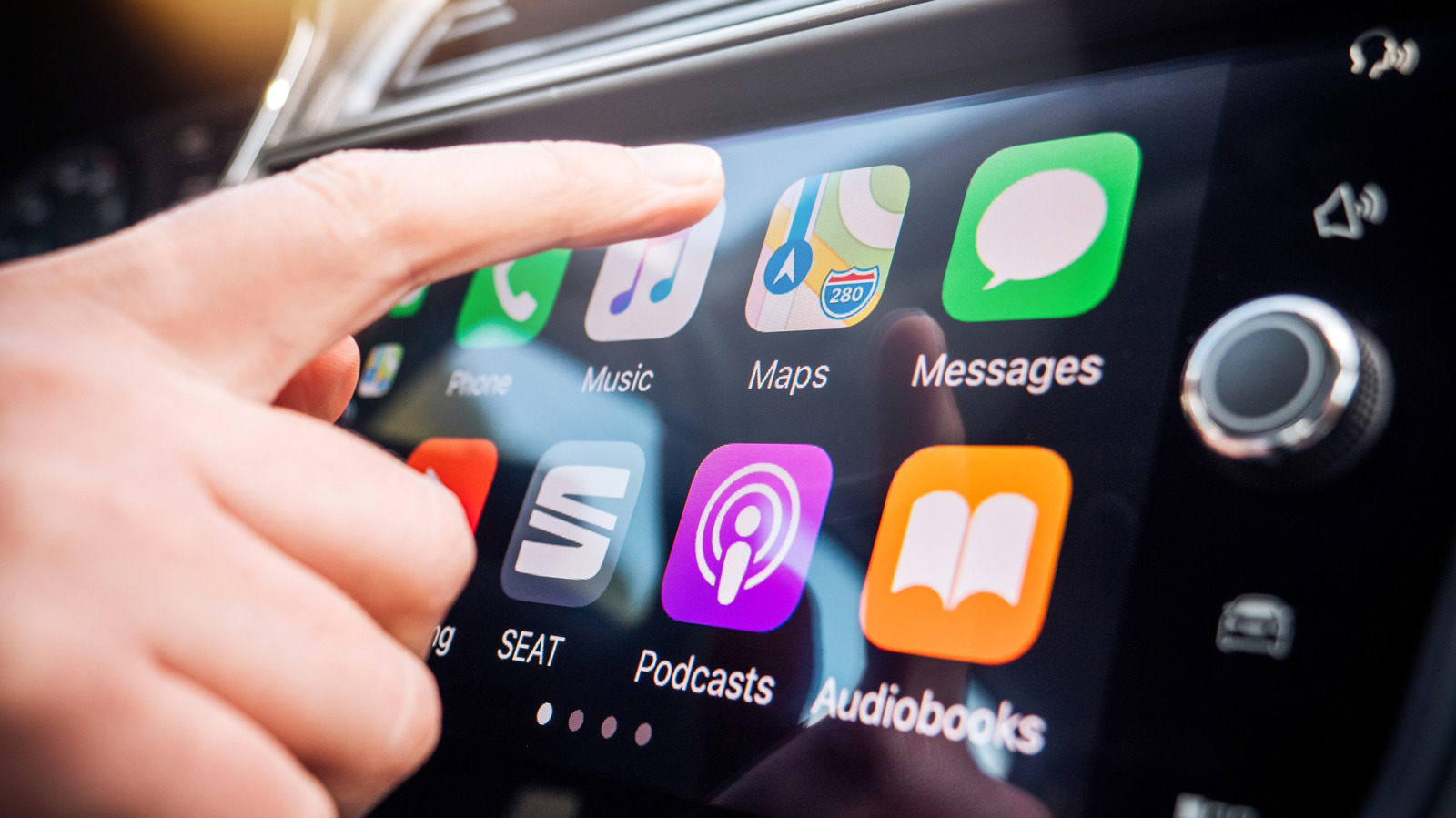
To avoid Siri interruptions while using CarPlay, use the Driving Focus mode, disable Announce Notifications, and adjust Siri's pause time. These settings can help reduce distractions and make driving safer.
Imagine you're driving a car and Siri keeps interrupting your music or podcast. To make Siri quieter, you can use a special mode called Driving Focus. This mode helps you focus on the road by turning off annoying notifications. You can also turn off Siri's ability to read out notifications and adjust how long it takes for Siri to stop talking. By making these changes, you can make your driving experience safer and less distracting.
Analysis
Reducing Distractions with Siri in CarPlay
To minimize Siri's interruptions while using CarPlay, it's essential to understand how the feature works and how to adjust its settings. The most critical toggle is the Driving Focus mode, which can be enabled in the Settings app. This mode suppresses notifications and allows users to choose which people can alert them while driving.
By enabling the Driving Focus mode, users can reduce the number of interruptions they receive while driving. However, this mode may not be enough to completely eliminate Siri's interruptions. To further minimize distractions, users can turn off Announce Notifications, which allows Siri to read out notifications while driving. This feature can be found in the Settings app under Notifications.
Another way to reduce Siri's interruptions is to adjust its pause time. This setting can be found in the Settings app under Accessibility. By increasing the pause time, users can give themselves more time to think before responding to Siri's prompts.
In addition to these settings, users can also disable navigation guidance in their GPS apps. This can be done by tapping the screen during navigation and selecting the speaker icon. By disabling audio guidance, users can customize their navigation experience and reduce the number of interruptions they receive while driving.
Overall, reducing Siri's interruptions while using CarPlay requires a combination of settings adjustments and user behavior changes. By following these tips, users can minimize distractions and stay focused on the road.
Key points
- Enable the Driving Focus mode to reduce notifications while driving
- Turn off Announce Notifications to minimize Siri's interruptions
- Adjust Siri's pause time to give yourself more time to think
- Disable navigation guidance in GPS apps to reduce audio interruptions
If users follow these tips and adjust their Siri settings, they can reduce distractions while driving and stay safer on the road. Additionally, the upcoming AI overhaul of Siri may make the assistant even smarter and more helpful in the future.
If users fail to adjust their Siri settings and continue to receive frequent interruptions, they may become distracted and increase their risk of being involved in an accident. Furthermore, if the upcoming AI overhaul of Siri does not live up to expectations, users may continue to experience frequent interruptions and distractions while driving.