What's The USB Trident Symbol For? How To Know What Kind Of Port You Have
USB ports and cables have tons of potential capabilities, but making sense of them can be tricky if you don't know where to look. The USB trident logo has been used since the standard was introduced in the late 1990s. When seen alone, it usually denotes USB 2.0, which deb…
Intelligence analysis by Llama
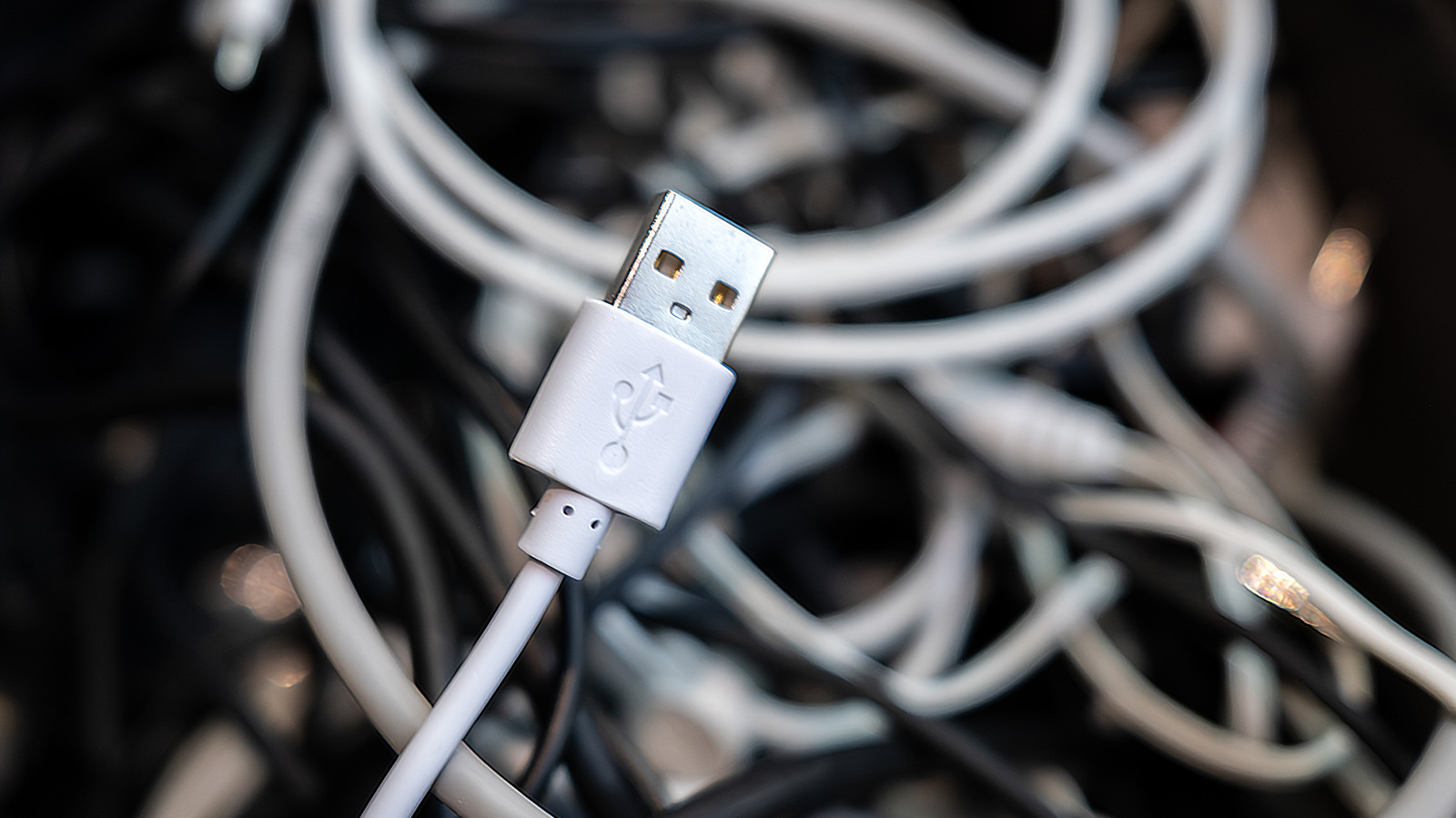
The USB trident logo has been used since the standard was introduced in the late 1990s. When seen alone, it usually denotes USB 2.0, which debuted in 2000 and is the oldest iteration still in use. Understanding USB port colors can also help you determine what kind of connection you have. Black or white is used for USB 2.0 connections, while blue signifies a USB 5Gbps connection. Red p…
USB ports and cables have different symbols and colors to show what kind of connection they are. The USB trident logo usually means USB 2.0, while blue means USB 5Gbps. Red ports usually mean USB 10Gbps or USB 20Gbps, and provide power even when your computer is turned off. Understanding these symbols and colors can help you know what kind of connection you have and what it can do.
Analysis
USB 2 and 3: Trident Symbol Basics
The USB trident logo has been used since the standard was introduced in the late 1990s. When seen alone, it usually denotes USB 2.0, which debuted in 2000 and is the oldest iteration still in use. While marketed as "High Speed" upon release, its 480Mbps bandwidth is slow by today's expectations. USB 2.0 ports and cables are only recommended for connecting devices like mice and keyboards that don't benefit from faster transfers.
The following revision, USB 3, went through several updates and name adjustments from the USB Implementers Forum (IF) group that manages the standard. Initially, USB 3.0 (5Gbps bandwidth) became available in 2008. Then USB 3.1 (10Gbps bandwidth) arrived in 2013, followed by USB 3.2 (20Gbps) rolling out in 2017. USB 3.0 was also called "SuperSpeed" (SS), with USB 3.1 adopting "SuperSpeed+" (SS+), and USB 3.2 going by the clunky "SuperSpeed USB 20Gbps." These generations' trident logo was accompanied by "SS" and the corresponding number showing its speed in gigabits/second.
As these evolutions occurred, the USB IF renamed them, adding more confusion. There were "gen" titles, like "USB 3.2 Gen 1x1" used for USB 3.0, which have thankfully since been retired. As of 2022, the naming has settled on USB 5Gbps, USB 10Gbps, and USB 20Gbps for what were originally 3.0, 3.1, and 3.2 respectively.
Understanding USB Port Colors
In addition to symbols, colors are sometimes used to denote different kinds of USB connections. Black or white is used for USB 2.0 connections. Otherwise, the only other official color, and thus the most frequently seen, is blue. Usually, blue signifies a USB 5Gbps (originally USB 3.0) connection, but some manufacturers use it for the later USB 3 generations. Red ports, while not as common, usually signify either USB 10Gbps (originally USB 3.1) or USB 20Gbps (originally USB 3.2). Also, red ports typically provide power even when your computer is turned off. Yellow ports, similarly, can be USB 2.0 or USB 5Gbps and provide power even when the PC is shut down. You might even see purple USB connections, though these are limited to specific manufacturers.
Today: Moving to USB4
The newest standard is USB4, which has seen two generations thus far. The original version from 2019 is capable of reaching either 20Gbps or 40Gbps. Its official marketing names, USB 20Gbps and USB 40Gbps, match the USB 3 revisions discussed earlier. Its logo is the USB trident next to either 20 or 40, plus a half-circle. USB4 2.0 (a change from USB 3's original naming convention) arrived in 2022. It can handle throughputs of 80Gbps and is accordingly labeled USB 80Gbps. Importantly, USB4 is limited to USB-C connectors. That doesn't mean all USB-C cables are fast, however. Just like USB-A, USB-C is merely the connection type, with varying standards underneath.
Other Important USB Symbols
Along with the core USB markings and speed indicators, various icons on USB ports and cables denote other functionality. One is Thunderbolt, which has a logo that's a lightning bolt with an arrowhead. It started off using Mini DisplayPort, but since Thunderbolt 3 has used USB-C. Thunderbolt cables, which are more expensive, can do everything USB-C is potentially capable of, including high-speed transfers, video output, and adaptive charging. It's thus helpful to think of modern Thunderbolt connections like a guarantee of minimum capabilities. For example, Thunderbolt 4 devices must be able to output to two 4K displays; USB4 supports video output, but has no such resolution guarantee. A battery icon behind the USB logo (sometimes "PD" text or a battery icon instead) means it supports Power Delivery, a functionality that smartly charges your battery depending on its needs. This is the port you should use to charge your laptop using a compatible USB-C cable. USB-C is also an option for video output using DisplayPort Alt Mode; compatible ports are typically marked by the DisplayPort logo.
Key points
- The USB trident logo usually denotes USB 2.0.
- Blue signifies a USB 5Gbps connection.
- Red ports usually signify either USB 10Gbps or USB 20Gbps, and provide power even when your computer is turned off.
- USB4 is limited to USB-C connectors and is capable of reaching speeds of up to 80Gbps.
- Thunderbolt cables can do everything USB-C is potentially capable of, including high-speed transfers, video output, and adaptive charging.
With the introduction of USB4, users can expect faster data transfer speeds and improved connectivity. This new standard is capable of reaching speeds of up to 80Gbps, making it ideal for applications that require high-speed data transfer. Additionally, USB4 is limited to USB-C connectors, which are becoming increasingly popular due to their versatility and convenience.
One potential downside of the new USB4 standard is that it may be more expensive than previous versions. This could make it less accessible to some users, particularly those on a budget. Additionally, the new standard may require users to purchase new cables and adapters, which could be a hassle for some.